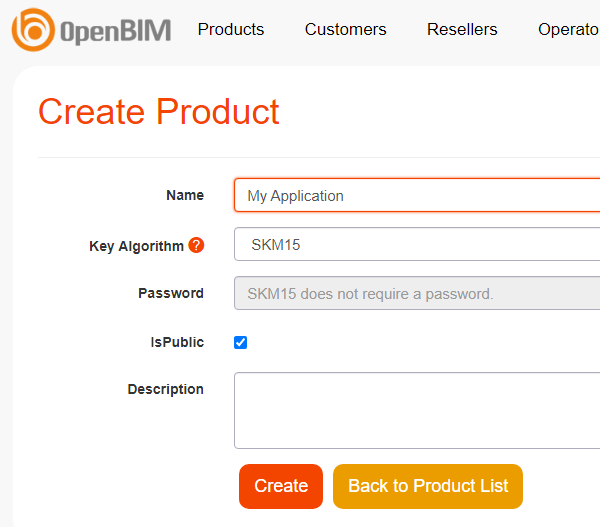
Create a Product
Each application you deploy can be thought of as a product. A product is a collection of license keys.
In order to create a new product:
- Click on ‘create new product’ on the main page
- On the ‘create new product page’, enter the name of your application and press ‘Create’.
Product Id
When you start implementing #myURL Client API into your code, you will need to provide
a ProductId, which is simply a number used to identify your product.
One of the ways to get the product id is to:
- Go to the product page
- Select the product in the list.
- The
product idis located under the description of the product.
Examples
The main page
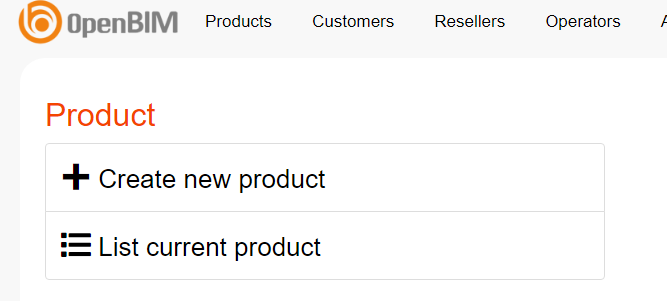
The ‘create new product’ page